Loading...
play.prismacraft.net
Click to copy IP
Artmap is a feature where players can create their own custom art maps! These can be sold to other players or used to enhance your builds!
To begin using Artmap, you can access the Artmap GUI by doing [/artmap]. This is where you will find the crafting recipes, dyes to paint with and how to save your custom art!
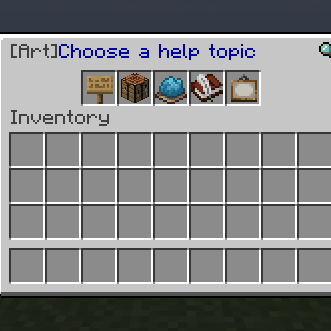
In the Recipes section, you can find the crafting recipe to create an Easel! This will be used to place your empty Canvas on and paint.
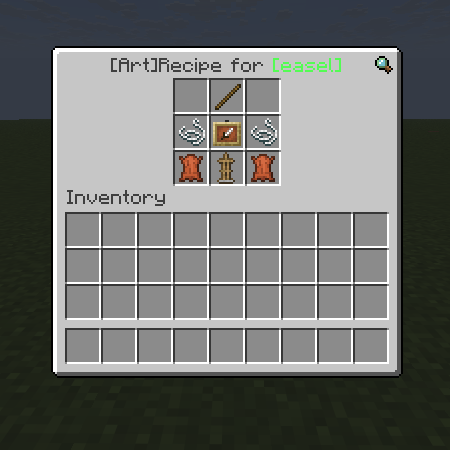
Once you have your Easel, you will need to create a Canvas! This will be your 32x32 pixel canvas that will be placed on your Easel.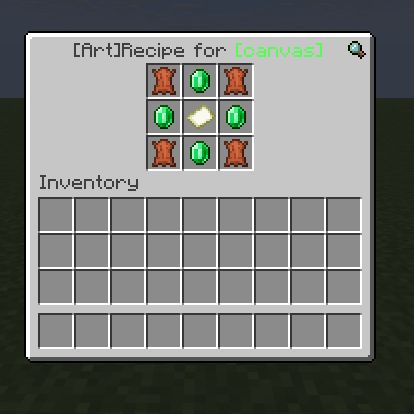
NOTE: these can only be crafted in [/vcraft]
Within the [/artmap] GUI, you will see the "Dyes" category, this is where you can find a list of items that can be used as many different colors to paint with.
TIP: Having these items ready in a container will help a lot with your art!
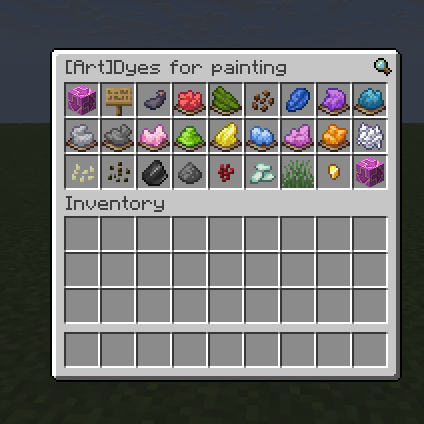
Now that you have gathered your dyes and crafted both your Canvas and Easel, you're ready to get started!
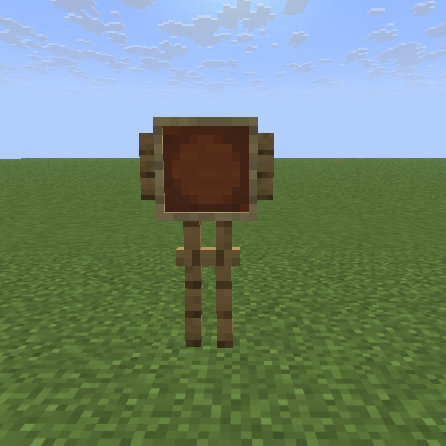
Begin by placing down your Easel, it should look like this:
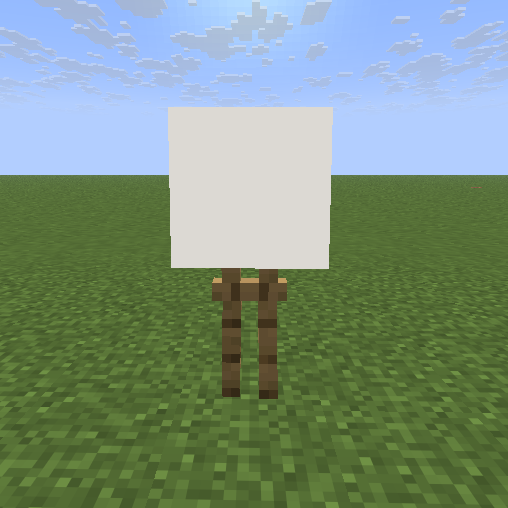
By holding the Canvas in your hand, right click onto your Easel
Once you have completed your art, you have 2 options to save your art:
I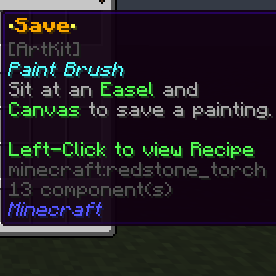
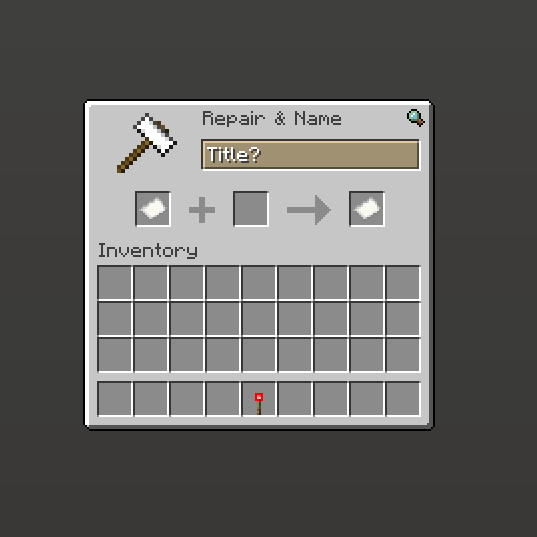
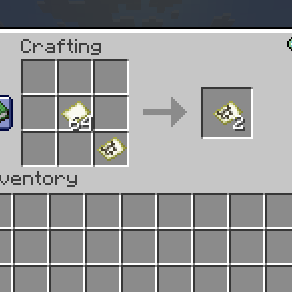
Making copies of your art is pretty simple! By placing your saved artmap in the crafting grid alongside blank maps, this will allow you to craft multiple copies of your art.
TIP: Make sure to have the original copy somewhere safe, so you can always make more copies if needed.